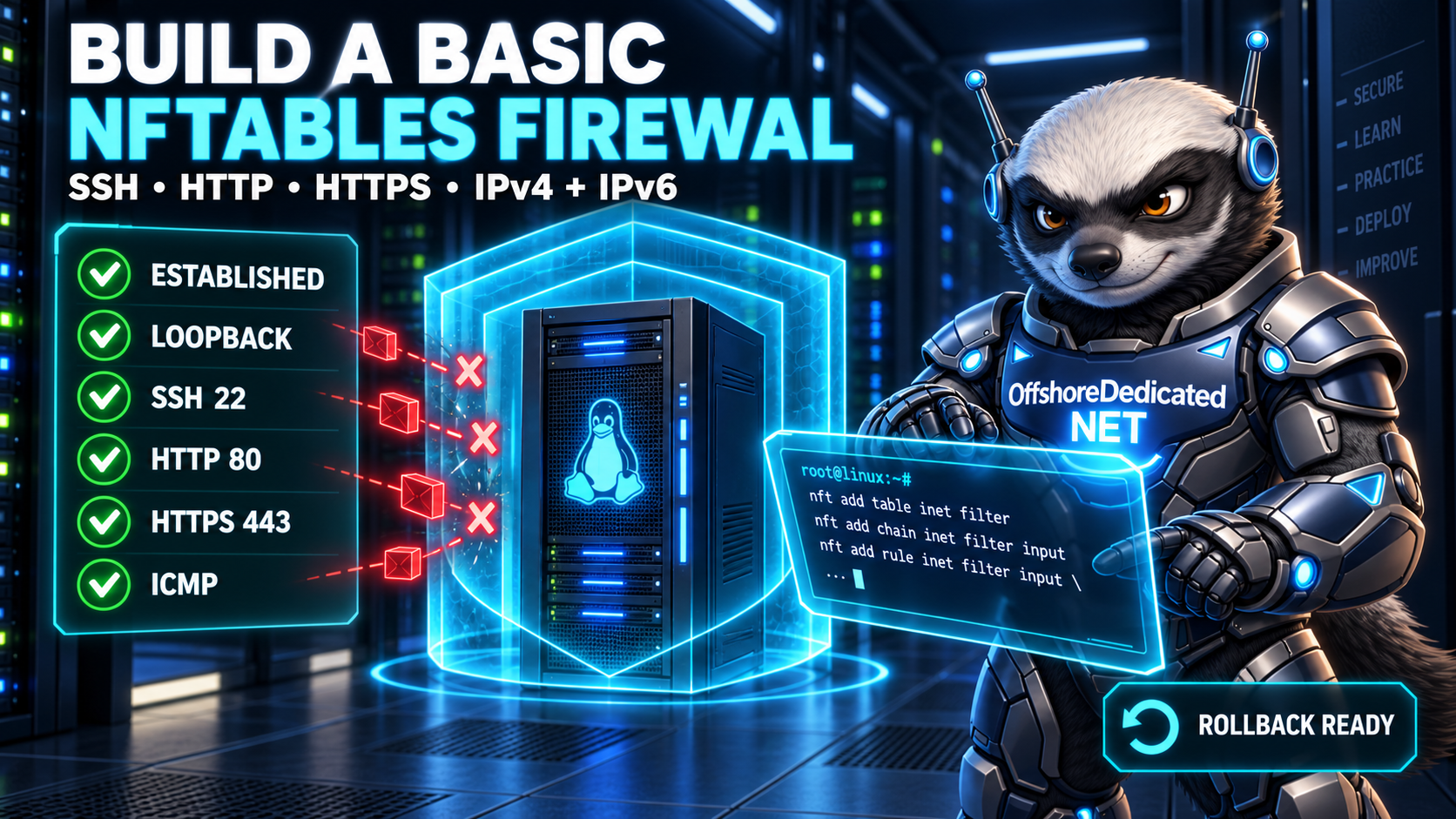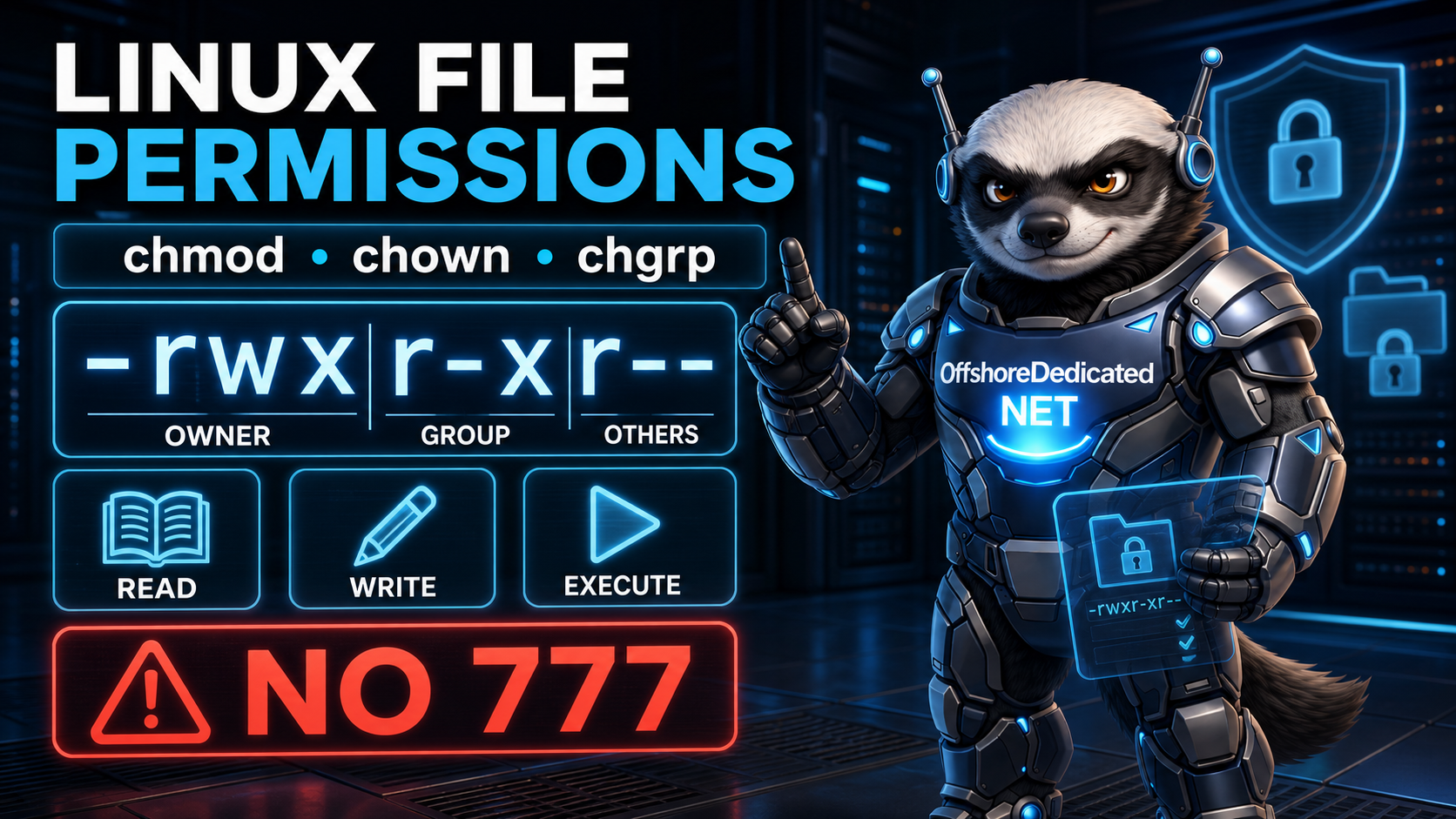

A Linux server connected to the internet may receive connection attempts within minutes of going online. Some traffic is legitimate, while other traffic consists of automated scans, login attempts, or requests aimed at services that should not be publicly accessible.
A firewall controls which packets are allowed to reach or leave the system. On modern Linux servers, that firewall is commonly built on nftables.
Understanding nftables can initially feel difficult because its terminology includes tables, chains, hooks, rules, sets, matches, and verdicts. Once those pieces are placed in the correct order, however, the framework becomes much easier to follow.
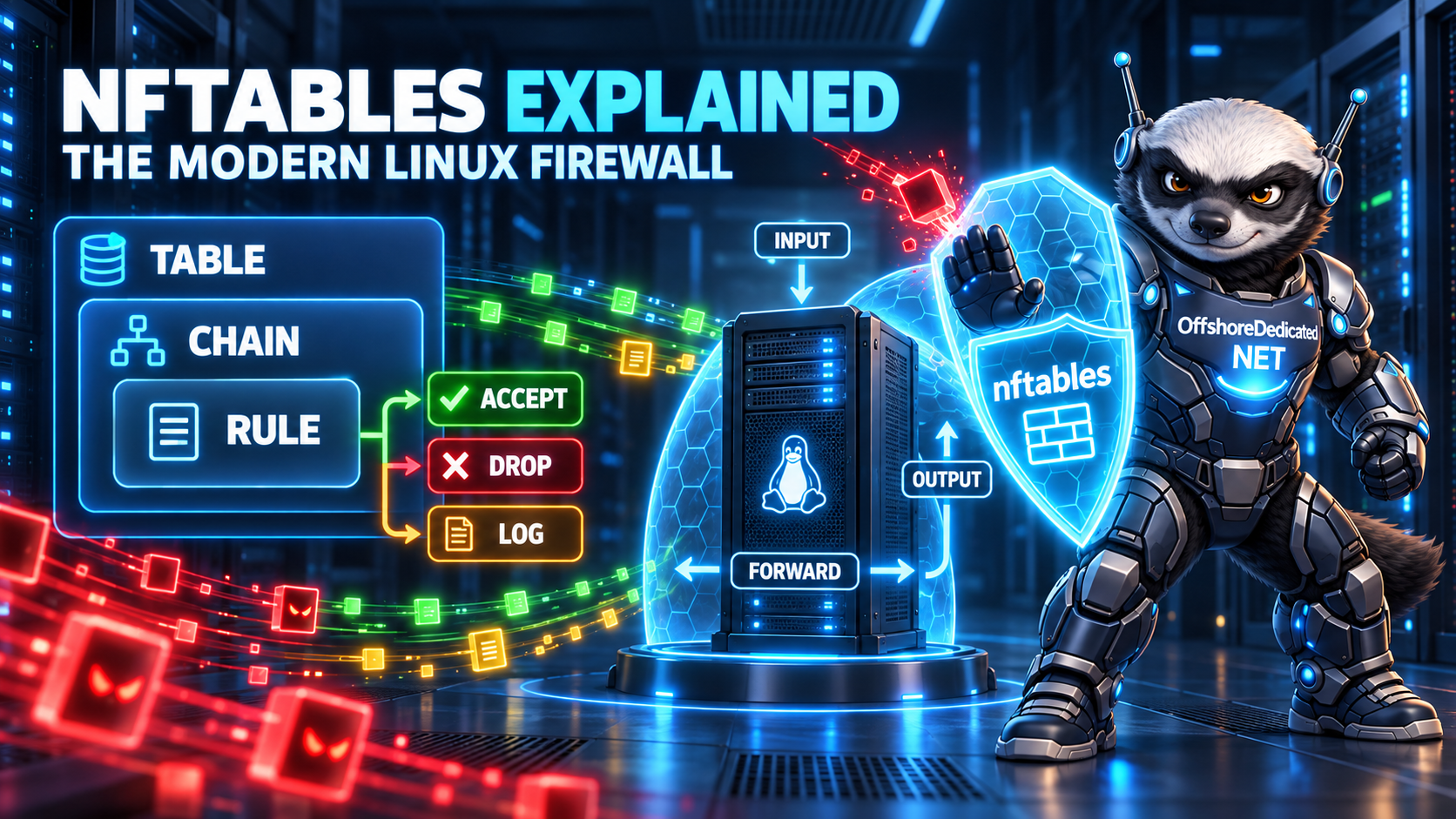
This article explains how nftables works. A separate follow-up will build a practical server firewall step by step.
What Is nftables?
nftables is the modern Linux framework for packet filtering, network address translation, and other forms of network traffic processing.
It consists of two important parts:
- The
nf_tablessubsystem inside the Linux kernel - The
nftcommand used to configure and inspect it
The official nft command documentation describes nft as the administration tool for packet filtering and classification rules in the Linux kernel.
A simple inspection command is:
sudo nft list rulesetThis displays the active nftables configuration. It does not modify the firewall.
nftables can be used on a small root-access VPS, a physical server, a router, a virtualization host, or other Linux-based infrastructure.
Is nftables the Same as Netfilter?
Not exactly.
Netfilter is the packet-processing framework inside the Linux kernel. It provides points where components can inspect or alter network traffic.
nftables is a modern interface and rules engine built on that framework.
A useful simplified relationship is:
nft command
    ↓
nftables rules
    ↓
nf_tables kernel subsystem
    ↓
Netfilter packet-processing hooks
The administrator defines policy with nft. The kernel evaluates packets against the resulting ruleset.
Why nftables Replaced iptables
For many years, Linux firewall administration centered on iptables, ip6tables, arptables, and ebtables.
nftables provides a more unified model. Its advantages include:
- One consistent command-line interface
- Combined IPv4 and IPv6 filtering through the
inetfamily - Built-in sets and maps
- More flexible rule construction
- Atomic ruleset updates
- Easier reuse of address and port collections
- A cleaner foundation for future development
Many current systems still accept familiar iptables commands through a compatibility layer that translates them to the nftables backend.
Check the installed iptables variant with:
iptables --versionOutput containing nf_tables indicates the nftables-based compatibility backend:
iptables v1.8.x (nf_tables)Compatibility does not mean that administrators should freely mix several firewall-management methods. Rules may become confusing when raw nft commands, compatibility commands, firewalld, and control-panel automation all manage the same host.
The nftables Hierarchy
The basic nftables hierarchy is:
Ruleset
└── Table
    └── Chain
        └── Rule
Sets, maps, counters, and other objects may also exist inside tables.
Understanding these layers is the key to reading an nftables configuration.
What Is an nftables Table?
A table is a top-level container.
It can hold:
- Chains
- Rules inside those chains
- Sets
- Maps
- Counters
- Other stateful objects
Unlike older iptables conventions, an nftables table name does not automatically determine its purpose. A table called filter is used for filtering because the administrator places filtering chains and rules inside it—not because the name has special magic.
List all active tables:
sudo nft list tablesExample:
table inet filter
table ip nat
Inspect one table:
sudo nft list table inet filterEach table belongs to an address family.
Understanding nftables Families
The family tells nftables which type of traffic a table handles.
Common families include:
ip— IPv4 trafficip6— IPv6 trafficinet— both IPv4 and IPv6arp— ARP trafficbridge— packets passing through a Linux bridgenetdev— traffic associated with network devices at early ingress or egress stages
The inet family is especially useful for ordinary server firewalls because one ruleset can handle both IPv4 and IPv6.
Example table declaration:
table inet filter {
}
This does not filter anything by itself. It merely creates a container.
The official nftables guide to configuring tables explains that tables contain chains, sets, maps, flowtables, and stateful objects.
What Is an nftables Chain?
A chain is a container for rules.
There are two broad types:
- Base chains
- Regular chains
Base Chains
A base chain is attached to a Netfilter hook. This attachment allows it to see packets passing through a particular part of the networking stack.
Example:
chain input {
    type filter hook input priority filter;
    policy drop;
}
This chain:
- Is named
input - Performs filtering
- Is attached to the input hook
- Uses the filter priority
- Drops packets that reach the end without being accepted
Unlike iptables, nftables does not automatically create predefined input, output, or forward chains. Administrators create the base chains they need and attach them to the relevant hooks.
Regular Chains
A regular chain is not attached directly to a hook.
It is reached when another rule jumps or goes to it:
chain web_services {
    tcp dport { 80, 443 } accept
}
A base chain could direct TCP traffic to this chain:
tcp jump web_servicesRegular chains help divide a large ruleset into understandable sections.
Understanding the Main Hooks
Hooks represent stages in a packet’s journey through the Linux networking stack.
Input
The input hook handles packets addressed to the local machine.
Examples include:
- An SSH connection to the server
- An HTTPS request to a website on the server
- A monitoring request sent to the server
A normal standalone server focuses heavily on its input policy.
Output
The output hook handles packets created by local processes.
Examples include:
- The server requesting package updates
- An application connecting to a database
- A monitoring agent sending data
- A DNS query originating on the server
Many basic configurations allow outbound traffic, while higher-security environments restrict it.
Forward
The forward hook handles packets routed through the machine rather than addressed to it.
It matters when the Linux system acts as:
- A router
- A gateway
- A container host
- A virtualization host
- A VPN gateway
A normal web server that does not route traffic may not require a forward chain, although container platforms can change that assumption.
Prerouting and Postrouting
The prerouting hook processes arriving packets before the final routing decision.
The postrouting hook processes packets after the routing decision and shortly before they leave an interface.
These hooks are commonly involved in network address translation and routing-related operations.
The official guide to Netfilter hooks documents which hooks are available to each family and chain type.
What Is an nftables Rule?
A rule contains expressions that inspect packet data and statements that perform an action.
A simplified rule is:
tcp dport 22 acceptRead it from left to right:
- Check whether the packet is TCP.
- Check whether its destination port is
22. - If both conditions match, accept it.
Another example:
ip saddr 192.0.2.10 tcp dport 22 acceptThis matches IPv4 traffic from one documentation-only example address to TCP port 22.
A rule that records and drops traffic might be:
tcp dport 23 counter dropHere:
tcp dport 23is the match.counterrecords matching packets and bytes.dropdiscards the packet.
These snippets explain syntax. Do not add isolated rules to a production firewall without considering the complete ruleset, chain, order, active manager, and remote-access requirements.
Common nftables Verdicts
A verdict determines what happens next.
Important verdicts include:
accept— allow the packet to continuedrop— silently discard the packetreject— refuse it and normally send an error responsejump— evaluate another chain and potentially returngoto— continue in another chain without returning in the same wayreturn— return to the calling chain or apply the base-chain policy
log is a statement rather than a final verdict. It records information but does not automatically stop processing.
For example:
tcp dport 23 log prefix "nft-telnet: " dropLogging every unwanted packet can flood the system journal or log storage. Logging policies should include sensible limits.
Rule Order Matters
Rules in a chain are evaluated in order.
Consider:
tcp dport 22 drop
tcp dport 22 accept
The first rule drops matching traffic. The second rule never gets an opportunity to accept those packets.
A typical input chain places rules in a deliberate sequence:
- Accept established or related traffic
- Accept loopback traffic
- Drop invalid traffic
- Allow required management access
- Allow public application ports
- Log selected unmatched traffic
- Apply the default policy
Order should be reviewed whenever a new rule is inserted.
Display rule handles and their order with:
sudo nft -a list rulesetHandles are numeric identifiers used to replace or delete particular rules.
Stateful Filtering and Connection Tracking
A useful server firewall understands connection state.
A common rule is:
ct state established,related acceptThis accepts packets belonging to connections the server already recognizes, along with certain related traffic.
For example, after a client establishes an allowed HTTPS connection, response packets must continue flowing. Administrators generally do not want to write separate rules for every packet in both directions.
Common connection states include:
newestablishedrelatedinvalid
Connection tracking makes practical stateful firewall policies possible.
Why nftables Sets Are Useful
Suppose a server should allow several TCP ports. Separate rules could be created:
tcp dport 22 accept
tcp dport 80 accept
tcp dport 443 accept
An anonymous set can express the same ports compactly:
tcp dport { 22, 80, 443 } acceptNamed sets are useful for collections that need independent updates:
set trusted_admins {
    type ipv4_addr
    elements = { 192.0.2.10, 198.51.100.25 }
}
A rule can reference the set:
ip saddr @trusted_admins tcp dport 22 acceptSets can hold addresses, ports, interfaces, and other supported data types. They reduce duplicated rules and can be implemented efficiently.
The nftables documentation on sets distinguishes anonymous sets embedded in rules from named sets that can be updated later.
nftables and IPv6
A firewall that protects only IPv4 may leave services reachable over IPv6.
Using an inet table can help apply common rules to both protocols:
table inet filter {
    chain input {
        type filter hook input priority filter;
        policy accept;
    }
}
Protocol-specific expressions can still be used when necessary:
ip saddr 192.0.2.0/24 accept
ip6 saddr 2001:db8::/32 accept
The addresses above belong to documentation ranges and are not deployment recommendations.
Do not disable IPv6 merely to avoid writing appropriate rules. Determine whether the server uses IPv6 and protect it consistently.
nftables Is Not Always the Active Manager
A system can use the nftables kernel backend without expecting the administrator to maintain raw nftables configuration directly.
Possible management layers include:
- firewalld
- A hosting control panel
- A distribution firewall utility
- Container software
- Configuration-management systems
- Provider-supplied security tooling
Check for common services:
systemctl is-active nftables
systemctl is-active firewalld
Also inspect the ruleset:
sudo nft list rulesetContainer and orchestration tools may create their own chains or tables. Removing unfamiliar rules without identifying their owner can disrupt networking.
On dedicated Linux infrastructure, administrators have the freedom to choose the firewall model. That freedom also creates responsibility for understanding every system that modifies packet rules.
Safely Inspect an Existing Server
Begin with read-only commands:
sudo nft list ruleset
sudo nft list tables
sudo nft -a list ruleset
sudo nft -n list ruleset
Useful meanings:
list rulesetdisplays the complete active ruleset.-aincludes rule handles.-nkeeps relevant output numeric instead of resolving names.
Check the installed version:
nft --versionSave a copy of the visible ruleset before planned changes:
sudo nft list ruleset > nftables-backup.nftProtect the backup because firewall files may disclose trusted addresses, exposed services, interfaces, or internal network structure. Our Linux file-permission guide explains how to restrict sensitive files appropriately.
Test a Ruleset Before Loading It
The -c option checks commands without applying them:
sudo nft -c -f /etc/nftables.confA successful syntax check is valuable, but it does not prove that the policy is operationally correct. A syntactically valid ruleset can still block SSH, DNS, web traffic, monitoring, or application dependencies.
Test from a second session and keep recovery access available.
The Remote Lockout Risk
Changing a firewall over SSH can disconnect the administrator instantly.
Before applying a restrictive input policy:
- Confirm the actual SSH port.
- Allow the current management source where appropriate.
- Accept established connections.
- Keep the existing SSH session open.
- Open a second session for testing.
- Confirm console, IPMI, or rescue access.
- Prepare a timed rollback when possible.
- Verify IPv4 and IPv6 separately.
Firewall protection works best alongside secure SSH key authentication. One controls which traffic reaches SSH; the other controls who can authenticate after reaching it.
If a team does not have safe console access or sufficient networking experience, managed firewall configuration can reduce the risk of exposing services or locking administrators out.
What nftables Cannot Do Alone
A firewall is an important security layer, but it is not complete server protection.
nftables does not replace:
- Software updates
- Strong authentication
- Secure application configuration
- File permissions
- Backups
- Malware monitoring
- Log review
- DDoS capacity planning
- Vulnerability management
A permitted HTTPS connection can still carry a malicious request to a vulnerable web application. A firewall sees network characteristics; it does not automatically understand every application-level action.
Similarly, placing nftables on a server does not guarantee protection from a large volumetric attack. Upstream filtering and network capacity may still be required.
Should You Use nftables Directly?
Direct nftables management is a good fit when:
- You want complete control over the ruleset.
- The server has a documented network policy.
- No other tool owns the firewall.
- You can test and recover safely.
- The configuration is maintained consistently.
A higher-level manager may be preferable when:
- A hosting panel expects to control firewall rules.
- A distribution is already built around firewalld.
- Several administrators need a simpler interface.
- Automation manages the machine as part of a larger fleet.
- The team lacks safe remote recovery access.
Whether the server is a small VPS or a complex production platform, choose one clearly documented source of truth.
Final Thoughts
nftables becomes easier to understand when viewed as a hierarchy:
Table → Chain → Rule → VerdictTables organize firewall objects. Chains group ordered rules. Base chains attach those rules to packet-processing hooks. Individual rules match traffic and apply actions such as accepting, dropping, rejecting, counting, or logging it.
Sets reduce duplication, while connection tracking enables stateful policies. The inet family can provide consistent filtering for both IPv4 and IPv6.
Before changing anything, identify the active firewall manager, inspect the complete ruleset, preserve remote access, and confirm that recovery access works.
The next article will use these concepts to build a basic nftables server firewall safely, including SSH, web traffic, established connections, IPv6, persistence, testing, and rollback.