

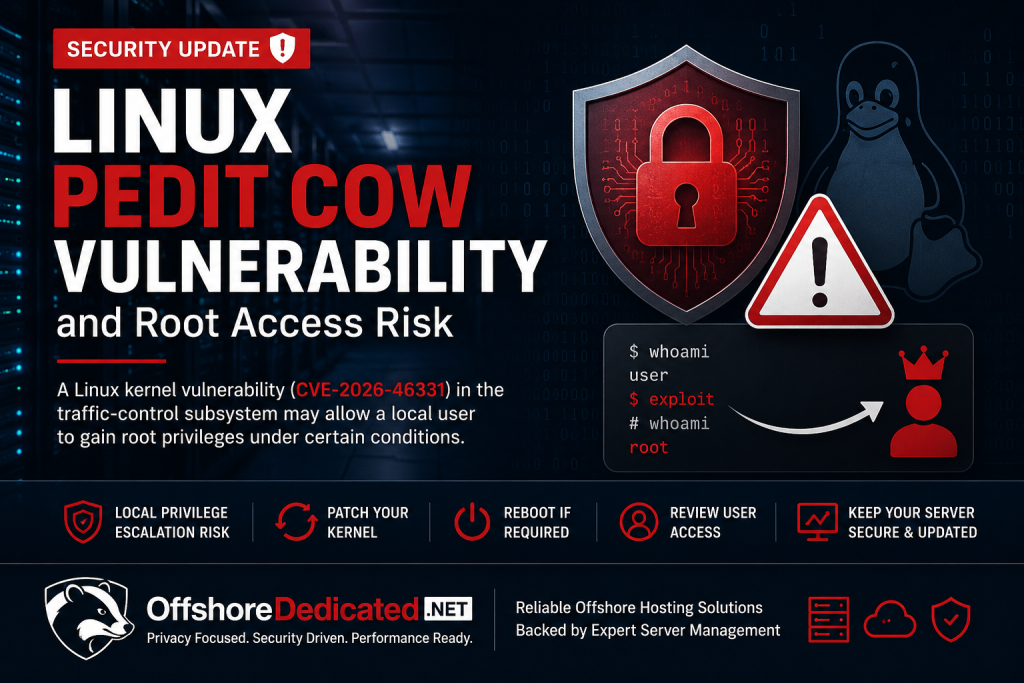
A new Linux kernel vulnerability known as pedit COW has recently attracted attention in the server security community. Tracked as CVE-2026-46331, the issue affects part of the Linux kernel networking stack and has been reported as a local privilege escalation risk.
For server owners, VPS users, hosting clients, and system administrators, this is the kind of vulnerability that should not be ignored simply because it requires local access.
Many serious server compromises do not begin with root access. They begin with a weaker entry point: a compromised website, an exposed application, a leaked SSH account, a vulnerable control panel plugin, or a low-privilege local user. Once an attacker has that first level of access, a kernel-level local privilege escalation bug may become the path from limited access to full system control.
This security update explains what the pedit COW vulnerability means, why Linux kernel patching matters, and what server owners should do to reduce risk.
What Is the Linux pedit COW Vulnerability?
The pedit COW vulnerability is connected to the Linux kernel traffic-control subsystem.
In simple terms, Linux traffic control is part of the kernel networking stack. It helps handle packet shaping, filtering, queueing, and packet modification. The affected area involves the act_pedit packet editing action, which is used to modify packet header data.
The issue is related to copy-on-write handling.
Copy-on-write, often shortened to COW, is a memory-management technique where shared data is not copied immediately. Instead, the system makes a private copy only when something needs to be modified. This improves performance and avoids unnecessary duplication.
In this case, the vulnerability involves a situation where the kernel may not correctly handle the full writable range before packet editing takes place. That can lead to page-cache corruption.
For non-kernel developers, the important point is this:
The vulnerability may allow a local user to influence memory in a way that should not be possible. Under the right conditions, that can become a path to root privileges.
Why Root Access Risk Matters
Root access is the highest level of control on a Linux server.
A user with root privileges can:
- Read sensitive files
- Modify system binaries
- Install persistence mechanisms
- Change firewall rules
- Create or remove users
- Access application data
- Interfere with websites, databases, and services
- Disable monitoring or security tools
- Use the server for abuse, spam, scanning, or further attacks
This is why privilege escalation vulnerabilities are important even when they are not remote unauthenticated attacks.
A remote unauthenticated vulnerability means an attacker may be able to attack from outside without a valid account. A local privilege escalation vulnerability usually requires some kind of local access first.
But in real hosting environments, local access is not rare.
A hosting server may have shell users, web applications, cron jobs, developer accounts, deployment users, control panel accounts, containers, or services running under different system users. If one weak account is compromised, a local privilege escalation flaw can increase the damage dramatically.
Local Access Does Not Mean Low Risk
One of the most common mistakes in server security is underestimating local privilege escalation vulnerabilities.
Some server owners think:
“This is only local, so it is not urgent.”
That is not always true.
A local exploit becomes dangerous when combined with another weakness. For example:
- A WordPress site is compromised through a vulnerable plugin
- A developer SSH key is leaked
- A weak user password is guessed
- A web application upload bug gives limited command execution
- A control panel account is compromised
- A container breakout path becomes possible
- A shared environment has multiple users on the same system
In these situations, the attacker may not start as root. But if a kernel privilege escalation vulnerability exists and the system is unpatched, the attacker may try to turn limited access into full administrative control.
That is why security teams treat local privilege escalation bugs seriously, especially when public exploit information becomes available.
Which Servers Should Pay Attention?
This issue is most relevant to Linux systems running affected kernels where the vulnerable traffic-control code is present and reachable under the required conditions.
Server owners should pay attention if they operate:
- Linux VPS servers
- Linux dedicated servers
- Cloud servers
- Shared hosting nodes
- Development servers
- Multi-user Linux systems
- Container hosts
- Servers with untrusted or semi-trusted shell users
- Production systems running older kernels
- Systems where kernel updates are delayed for long periods
This does not mean every Linux server is automatically exploitable in the same way. Distribution patches, kernel configuration, capability restrictions, container boundaries, user permissions, and vendor backports all matter.
However, the safe operational approach is simple:
If your Linux distribution or server vendor provides a kernel security update for this issue, plan and apply it.
Why This Matters for VPS and Dedicated Server Owners
VPS and dedicated server owners often have more control than shared hosting users. That control is powerful, but it also means more responsibility.
On a managed hosting account, the provider usually handles the operating system kernel. On an unmanaged VPS or dedicated server, the customer is normally responsible for:
- Tracking security advisories
- Applying kernel updates
- Rebooting into the patched kernel
- Checking service status after reboot
- Confirming that the old kernel is no longer active
- Reviewing access logs and user activity
- Maintaining firewall and SSH security
This is where many server owners fall behind.
They may update normal packages but forget the kernel. They may install a kernel update but delay the reboot for weeks. They may reboot but never verify that the system actually loaded the patched kernel. They may also run outdated distributions that no longer receive proper security coverage.
Kernel vulnerabilities remind us that server security is not only about passwords, firewalls, and malware scanners. The operating system itself must be maintained.
Kernel Updates Are Different From Normal Updates
Kernel updates are more sensitive than ordinary software updates.
When a normal package is updated, the running service may restart and begin using the patched code. With kernel updates, the patched kernel usually does not become active until the server is rebooted.
That creates a common problem:
The update may be installed, but the server may still be running the old vulnerable kernel.
This is especially common on production servers where owners avoid reboots because they worry about downtime. That concern is understandable, but delaying kernel reboots indefinitely creates security exposure.
A proper kernel update process should include:
- Checking the distribution’s official security advisory
- Installing the kernel update from trusted repositories
- Scheduling a reboot during a suitable maintenance window
- Verifying that the server boots correctly
- Confirming the active kernel version after reboot
- Checking critical services after the system comes back online
- Reviewing logs for errors or failed services
On production infrastructure, kernel patching should be planned, not ignored.
What Server Owners Should Do Now
If you manage Linux servers, the recommended response is practical and defensive.
First, check whether your operating system vendor has released a kernel update related to CVE-2026-46331. Use your distribution’s official security tracker, package manager, or vendor advisory.
Second, install the available kernel security updates from trusted repositories. Avoid random third-party patches, unknown scripts, or unofficial kernel builds unless you fully understand the risk.
Third, plan a reboot if the update requires one. For most production servers, this should be done during a maintenance window to reduce impact on users.
Fourth, verify the running kernel after reboot. Installing the package is not enough if the server is still booted into the older kernel.
Fifth, review local access. Remove unused accounts, disable unnecessary shell access, rotate weak credentials, and check whether any user or service has more privilege than needed.
Sixth, monitor for suspicious activity. Privilege escalation attempts may leave signs in authentication logs, process history, abnormal service behavior, or unexpected file changes.
Seventh, avoid unsupported operating systems. If the server is running an end-of-life distribution, security updates may be delayed, missing, or unavailable.
What Not to Do
Do not ignore the issue because it is “only local.”
Do not assume a VPS or dedicated server is safe simply because no one else has access.
Do not install random exploit-checking scripts from the internet on production systems.
Do not delay kernel reboots forever after installing security updates.
Do not rely only on a firewall to protect against kernel-level local privilege escalation.
Do not assume that old kernels are safe because the server has been stable for years.
Stability is important, but unpatched stability can become a security risk.
How This Affects Shared Hosting Environments
In shared hosting environments, the responsibility is different.
The hosting provider usually controls the operating system kernel, not the individual website owner. That means shared hosting users normally cannot patch the kernel themselves.
However, the issue still matters because shared environments may contain many websites and users on the same server. Strong isolation, updated kernels, hardened configurations, account separation, malware scanning, and careful access control all become important.
For website owners on shared hosting, the practical steps are:
- Keep CMS software updated
- Update WordPress plugins and themes
- Use strong passwords
- Avoid unknown scripts and nulled plugins
- Remove unused FTP or control panel accounts
- Use two-factor authentication where available
- Choose a provider that maintains the underlying server properly
Shared hosting security is a partnership. The customer must secure the website, while the provider must maintain the server environment.
Why Managed Server Support Helps
Many server owners are comfortable launching a VPS or dedicated server, but they do not always have time to manage security maintenance properly.
Kernel vulnerabilities are a good example of why managed server support matters.
A properly managed server needs more than initial setup. It needs continuous attention:
- Security update monitoring
- Kernel patch planning
- Reboot coordination
- Service checks after maintenance
- SSH and firewall review
- User account auditing
- Log review
- Backup verification
- Control panel maintenance
- Incident response support
For businesses running production workloads, the cost of ignoring these tasks can be much higher than the cost of maintaining the server correctly.
OffshoreDedicated.NET offers infrastructure services for clients who need reliable offshore hosting, VPS, cloud, dedicated servers, and expert server management. If you operate a production Linux server and do not want to handle kernel patching, reboot planning, and system maintenance alone, our Expert Server Management service can help you keep your server environment properly maintained.
You can explore our related services here:
Offshore VPS Servers:
https://offshorededicated.net/offshore-vps/
Offshore Cloud Servers:
https://offshorededicated.net/offshore-cloud-servers/
Offshore Dedicated Servers:
https://offshorededicated.net/offshore-dedicated-servers/
Expert Server Management:
https://offshorededicated.net/server-management/
Security Is an Ongoing Process
The pedit COW vulnerability is another reminder that Linux server security is not a one-time setup task.
A secure server today can become exposed tomorrow if updates are ignored. A server with no known compromise can still be at risk if old kernels, weak users, outdated applications, or unnecessary services remain in place.
Good server security requires layers:
- Updated kernel
- Updated packages
- Hardened SSH
- Strong firewall rules
- Limited user access
- Secure web applications
- Regular backups
- Monitoring
- Log review
- Proper incident response planning
No single layer is enough by itself.
A firewall will not fix a kernel bug. A kernel update will not fix weak passwords. A malware scanner will not replace access control. A backup will not prevent compromise, but it may help recovery.
The strongest infrastructure setups combine all of these controls.
Final Takeaway
The Linux pedit COW vulnerability should be treated as a serious server maintenance reminder.
It may require local access, but local privilege escalation vulnerabilities can become dangerous when combined with compromised accounts, vulnerable web applications, weak permissions, or multi-user environments.
For VPS, dedicated server, cloud server, and hosting node operators, the correct response is not panic. The correct response is disciplined maintenance:
Check your vendor advisories. Apply trusted kernel updates. Reboot when required. Verify the active kernel. Review user access. Keep production systems maintained.
Server security is not only about reacting to attacks. It is about reducing the chances that one small weakness becomes full system compromise.
OffshoreDedicated.NET will continue monitoring important infrastructure security developments and sharing practical updates for server owners, hosting clients, and administrators.