MySQL failures rarely begin with a crash. They usually start with subtle warning signs: rising load averages, increasing response times, unexplained connection spikes, or disk growth. In modern hosting environments — whether deployed on offshore Cloud servers or dedicated infrastructure — database stability depends on understanding both MySQL and MariaDB behavior across versions.

This guide is version-aware, production-safe, and aligned with modern MySQL 8.x and MariaDB 10.x environments, while still noting legacy considerations for MySQL 5.7.
1. Before You Touch Anything: Identify What You’re Running
Start by confirming your database engine and version.
mysql --versionOr inside MySQL:
SELECT VERSION();Why this matters:
- MySQL 8.x removed the Query Cache entirely.
- MySQL 5.7 deprecated it.
- MariaDB retains different tuning behaviors.
- Authentication plugins differ between versions.
- Log handling and configuration defaults vary.
Never apply tuning or recovery advice without knowing the exact version.
2. Where to Look First: Service Status & Logs
Modern Linux distributions use systemd.
For MySQL:
systemctl status mysqldFor MariaDB:
systemctl status mariadbIf the service fails, inspect logs immediately:
journalctl -u mysqld -xeor
journalctl -u mariadb -xeError log location depends on configuration. It may be:
- Defined by –log-error
- Inside /var/lib/mysql/
- Configured under /var/log/
Always confirm the configured path inside /etc/my.cnf or /etc/my.cnf.d/.
For deeper OS-level troubleshooting techniques, review our guide on Linux command diagnostics in hosting environments.
3. Problem: MySQL Won’t Start
Common causes:
Disk Full
df -hIf /var or the data partition is full, MySQL will fail to initialize.
Permission Errors
MySQL must own its data directory:
ls -ld /var/lib/mysqlCorrect ownership typically:
chown -R mysql:mysql /var/lib/mysqlConfiguration Errors
Check config syntax and recent edits in /etc/my.cnf.
Corrupted Tablespace
If logs show InnoDB errors, skip ahead to the recovery section.
4. Problem: Too Many Connections
Error message:
ERROR 1040 (08004): Too many connectionsInvestigate:
SHOW PROCESSLIST;Look for:
- Idle connections not closing
- Long-running queries
- Application connection leaks
Temporary mitigation:
SET GLOBAL max_connections = 300;Permanent solution requires application-level review.
Blindly raising max_connections without memory planning can crash smaller VPS systems.
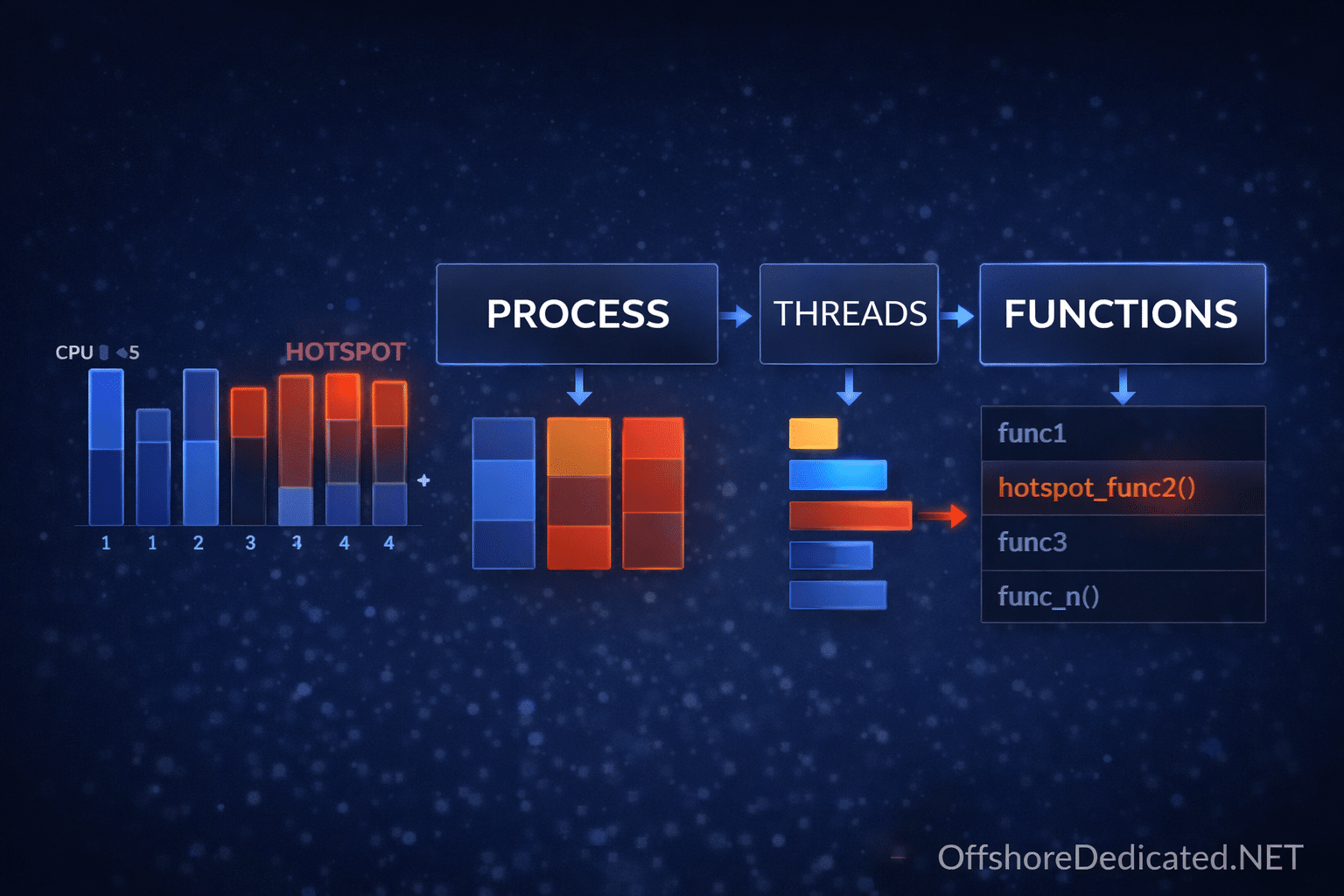
5. Problem: High CPU Usage
Check system load first:
topInside MySQL:
SHOW FULL PROCESSLIST;Look for:
- Queries without indexes
- Long Sending data states
- Locked queries
Enable slow query log properly:
SET GLOBAL slow_query_log = 'ON';
SET GLOBAL long_query_time = 2;
Ensure log_output is set to FILE in configuration.
Slow queries are usually design problems, not server problems.
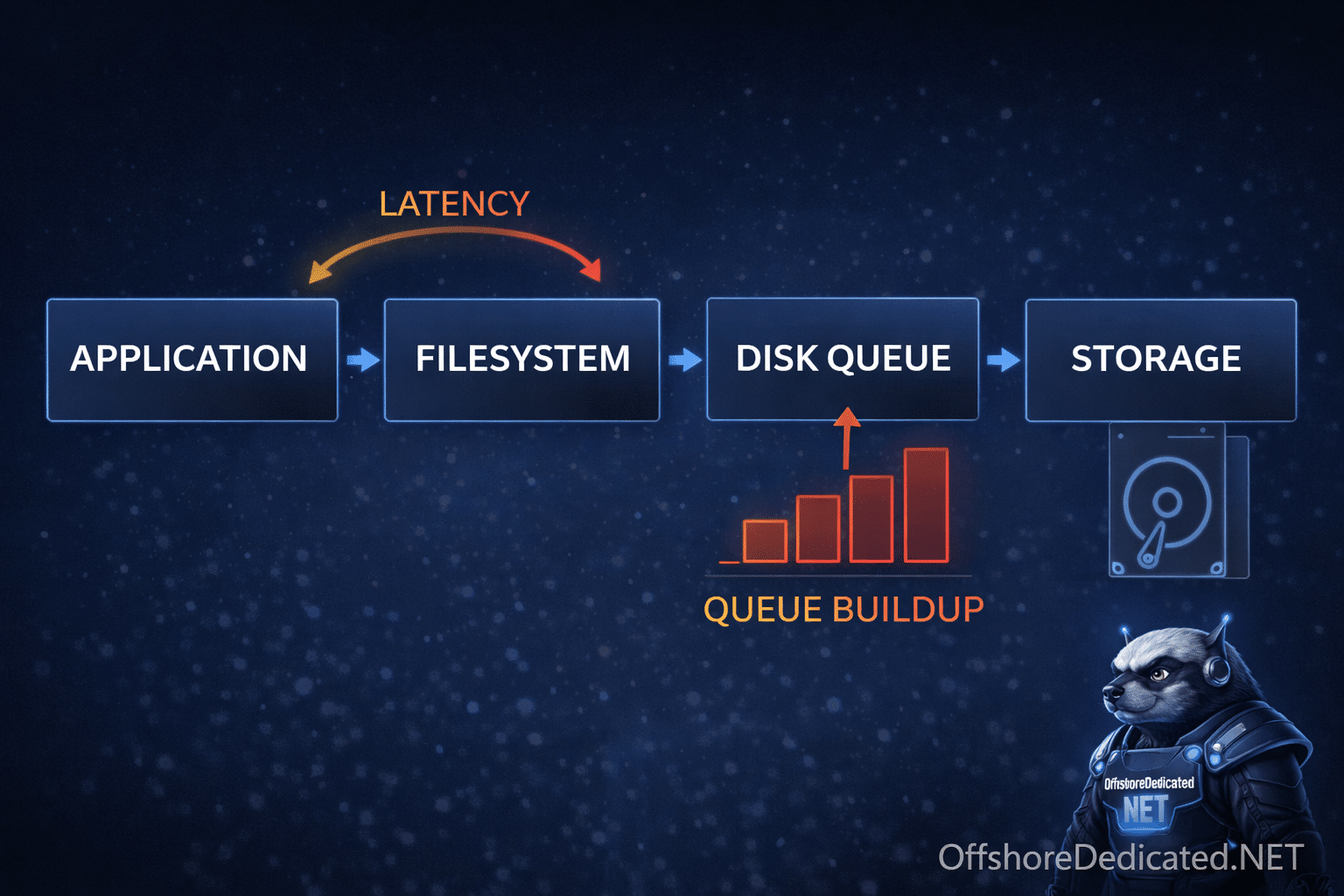
6. Problem: Slow Performance Without High CPU
Often disk I/O related.
Check I/O stats:
iostat -x 1Review buffer pool size:
SHOW VARIABLES LIKE 'innodb_buffer_pool_size';On dedicated systems, buffer pool may safely consume 60–70% of RAM.
On VPS, aggressive memory allocation risks swap usage.
7. Deadlocks and Locking Issues
Deadlocks are not crashes — they are transaction conflicts.
Inspect:
SHOW ENGINE INNODB STATUS;Look under the “LATEST DETECTED DEADLOCK” section.
Optional temporary debugging:
SET GLOBAL innodb_print_all_deadlocks = 1;Disable after investigation.
Prevention strategies:
- Short transactions
- Proper indexing
- Consistent row access order
8. Emergency: Suspected InnoDB Corruption
If logs show repeated InnoDB failures:
DO NOT delete ibdata files blindly.
Use emergency recovery mode cautiously.
In my.cnf:
innodb_force_recovery=1Increase incrementally only if needed (1 → 2 → 3…).
Values 4–6 may cause permanent data loss and should only be used to extract dumps.
Goal:
- Start server in recovery mode
- Dump all databases
- Rebuild clean instance
- Restore from dump
Recovery mode is for data extraction — not repair.
9. Disk Space & Binary Log Problems
Binary logs can fill disks quickly.
Check:
SHOW BINARY LOGS;Purge safely:
PURGE BINARY LOGS BEFORE '2025-01-01 00:00:00';Never manually delete binlog files from filesystem.
10. Legacy Note: If You’re on MySQL 5.7
Query cache was deprecated in 5.7 and removed in 8.x.
Do not attempt to tune query_cache_size in MySQL 8.
Focus on:
- Proper indexing
- Application-level caching
- Efficient queries
11. Prevention Checklist
- Monitor disk usage
- Rotate logs
- Enable slow query logging
- Maintain backups and test restores
- Apply updates cautiously (stage first)
- Restrict remote root access
Infrastructure choices also affect database stability. Resource-constrained environments behave differently than isolated hardware. Our analysis of control panel architecture and resource overhead explains how orchestration layers influence server behavior.
Final Thoughts
Most MySQL server problems are predictable and diagnosable if approached methodically:
- Confirm version
- Inspect logs
- Identify resource constraints
- Avoid panic actions
- Extract data before attempting risky recovery
Database stability is rarely about a single setting — it is about disciplined operational management across the entire hosting stack.